
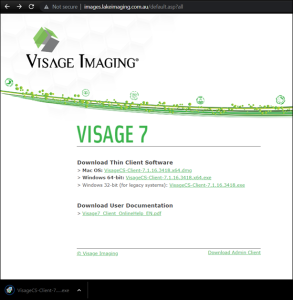
One time download and install the small native thin-client viewer for MacOS (64bit), Windows PC (64 bits) or Windows PC (32 bits for legacy systems).
Start and log in to the Client Application
If the Server name is not filled in already, type images.lakeimaging.com.au (it will be remembered for next time). User name and password will be provided to you.
Search for your Patients:
Specify a date range and optionally enter additional search criteria such as patient name, birth date, study date.

Double click on the icon in the Report or Image column respectively to see the report or the images. Double click the whole line to view both. Use your mouse and the tools to interact. Choose different layouts.

Close your study using the close button (or Patient Search button on windows or View/Patient Search menu on Mac) and load a different one
 .
.
Choose help in the client for only help or download the user manual as a PDF.
By clicking the “login” button and entering the VISAGE site you confirm that you agree to the Terms and Conditions.


 .
.
Contact

CONNECT WITH US

Level 2, 288 Victoria Parade,
East Melbourne VIC 3002